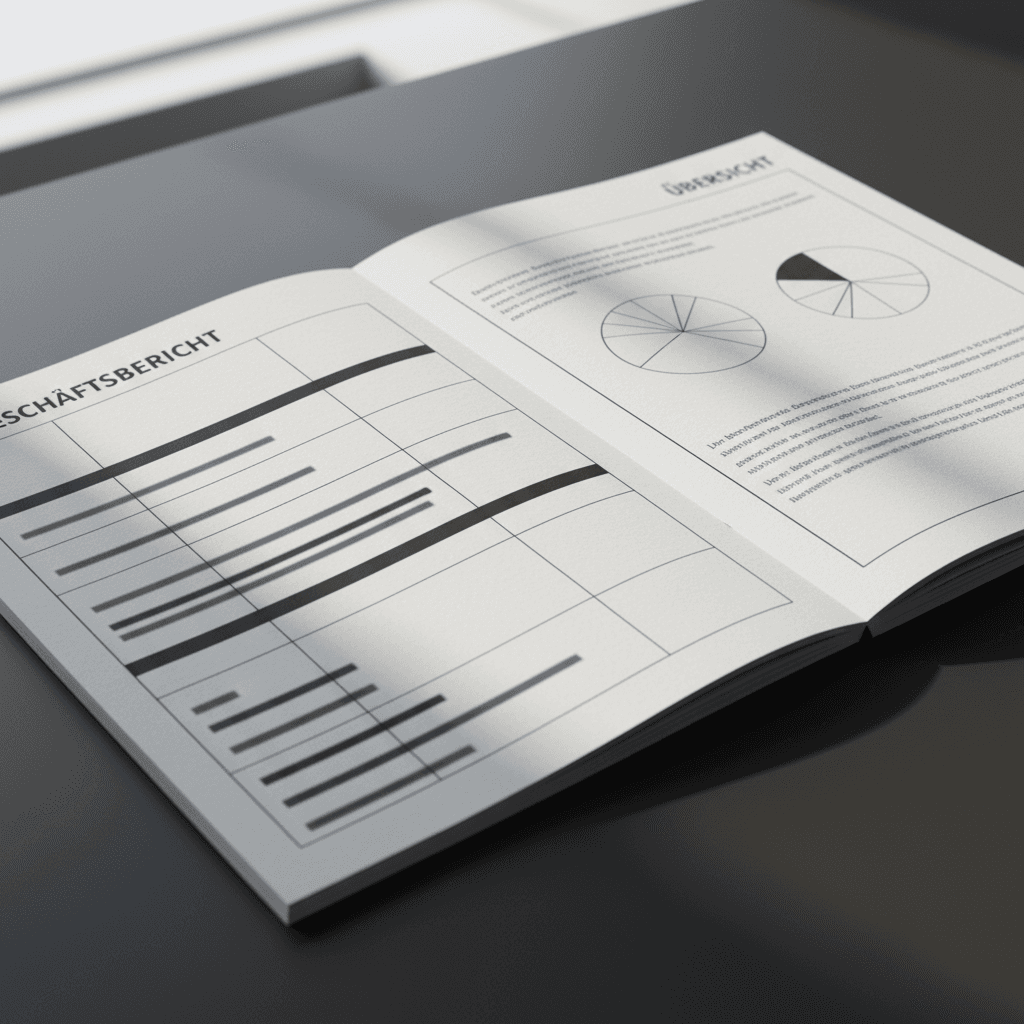

Streamlining your annual report production InDesign translation workflow reduces hidden costs by eliminating manual copy-pasting and formatting errors that occur during the designer handoff. Integrating automated tools and professional DTP services ensures that complex financial data remains accurate; this prevents expensive project delays and maintains brand consistency across all languages.
Managing an annual report is already a high-stakes race against regulatory deadlines. When you add multiple languages into the mix, the traditional linear handoff between translators and designers often becomes a bottleneck of manual errors and costly rework. The friction caused by text expansion and manual copy-pasting does more than just frustrate your creative team; it compromises data integrity and inflates production budgets. In this guide, we examine the hidden financial drains of a disjointed InDesign translation workflow. We will analyze why the separation of layout and linguistics fails for complex financial reporting, identifying the specific points where terminology erosion and last-minute adjustments lead to project fatigue. You will learn how to optimize your production pipeline by bringing multilingual expertise directly into the design environment, ensuring accuracy without sacrificing the aesthetic quality of your final report.
The Linear Workflow Trap: Why Separating Translation and Design Fails
Many financial reporting cycles begin with a linear misconception. A company hires a specialist for professional financial translation, receives a text file, and then hands it to a graphic designer for layout. This handoff is the primary source of friction in the high-stakes environment of annual report deadlines. While individual rates for translation or DTP might seem lower when quoted separately, the cumulative hours spent on coordination, iterative proofing, and fixing broken layouts create a massive hidden expense.
In a siloed process, the translator works in a vacuum, unaware of the spatial constraints of the InDesign grid. When the translated text is eventually pasted into the layout, tables may break or IFRS disclosures might be truncated. The graphic designer, lacking the linguistic or financial expertise to judge the content, often makes aesthetic choices that inadvertently change the meaning of the financial data. A document that requires a full re-typesetting cycle after a minor translation adjustment is not just a delay; it is a breakdown of the entire annual report production InDesign translation workflow.
Feature | Fragmented Workflow | Integrated Workflow |
|---|---|---|
Text Delivery | Word or Excel to Designer | Direct within IDML or INDD |
Error Risk | High (Copy-paste, layout breaks) | Low (Single-point management) |
Timeline | Sequential and Extended | Parallel and Optimized |
Transitioning to an integrated translation and InDesign production model eliminates these silos, ensuring that the expert managing the language is the same person controlling the layout. For more information, you may contact our team to discuss your specific reporting requirements.
Hidden Cost 1: The Endless Rework Cycle of Text Expansion

The physical reality of language translation poses a significant technical hurdle for static layouts. When transitioning from English to German or Spanish, text typically expands by 20 to 30 percent. In a document as dense as an annual report, this expansion is not merely a formatting issue; it is a structural challenge that threatens the integrity of the annual report production InDesign translation workflow.
In a fragmented process, a graphic designer receives this expanded text and must force it into a grid designed for a shorter English source. Without an understanding of the underlying professional financial translation, a designer might "squeeze" the text by reducing tracking or font sizes to avoid overset text. Even worse, they may break complex tables or truncate critical IFRS disclosures to maintain the visual balance of the page. These aesthetic adjustments can inadvertently alter the precise meaning of financial data or regulatory commentary, creating significant compliance risks.
Language | Average Text Expansion | Primary Layout Risk |
|---|---|---|
German | +25% to +30% | Compound word breaks, table overflow |
Spanish | +20% to +25% | Increased sentence length, vertical growth |
French | +15% to +20% | Connector word density, column width issues |
An integrated translation and InDesign production model solves this by placing the linguistic expert directly inside the layout environment. Instead of a designer guessing where to cut or how to reformat, the expert adjusts the layout while translating. This ensures that visual integrity and IFRS compliance are maintained simultaneously, delivering a publication-ready file that respects both the nuance of the language and the constraints of the design grid. By managing these adjustments in real time, we eliminate the secondary proofing cycles typically required to fix layout breaks caused by text expansion.
Hidden Cost 2: Terminology Erosion During Manual Copy and Paste
The manual transfer of data from a translation document into a design layout introduces a layer of risk that few financial institutions can afford to ignore. When a graphic designer, who is likely not a linguist or a financial expert, begins copying and pasting text into InDesign, the integrity of high-precision financial terminology is immediately compromised. This process, common in fragmented workflows, is where IFRS disclosures and banking standards are most vulnerable. A single misplaced character in a consolidated balance sheet or a truncated sentence in a risk report can lead to a compliance disaster; a risk that grows exponentially across multiple language versions.
Non-linguist designers often treat text as a visual block rather than semantic data. In the rush of a reporting cycle, it is easy to inadvertently omit a decimal point, swap a mathematical operator, or break a specific term like "comprehensive income" into two lines in a way that obscures its legal meaning. Because the designer cannot verify the linguistic accuracy of what they are pasting, the burden of proofreading falls back onto the client, often requiring multiple rounds of PDF reviews that delay the filing.
Risk Factor | Manual Copy-Paste Impact | Integrated Workflow Result |
|---|---|---|
Data Integrity | High risk of digit or operator errors | Zero manual transfer; data is preserved |
Terminology | Vulnerable to line breaks and cuts | Strict adherence to harmonized glossaries |
Compliance | Potential for IFRS reporting errors | Verified content remains in the final INDD |
By adopting an integrated translation and InDesign production model, exportbridge.biz eliminates the manual handoff entirely. We work directly within IDML or INDD files, ensuring that the version verified by the translator is the exact same file delivered for publication. This technical continuity protects the professional financial translation from the erosion that occurs when text is moved between disparate tools. If your current process still relies on manual re-entry, you may contact our team to secure your annual report production InDesign translation workflow against these avoidable errors.
Hidden Cost 3: The High Price of Last Minute Financial Adjustments

Annual reports are live documents that remain subject to revision until the very moment of regulatory filing. In the high-pressure "Friday night" scenario, a single updated figure in the consolidated income statement can trigger a cascading failure in a fragmented workflow. When a number changes in the master English version, the traditional process requires a project manager to alert the translator, wait for a revised text file, and then pass that file to a graphic designer. This manual relay creates a dangerous bottleneck where errors are easily introduced and deadlines are frequently missed.
By consolidating these functions into a single point of accountability, an integrated translation and InDesign production model eliminates the need for multiple handoffs. When a late-stage adjustment occurs, the expert managing the annual report production InDesign translation workflow implements the change directly within the native layout files for German, French, and Spanish simultaneously. This method ensures that the professional financial translation remains synchronized with the visual data without requiring a full re-proofing cycle from your internal teams.
Process Step | Fragmented Workflow | Integrated Workflow |
|---|---|---|
Stakeholders | PM, Translator, Designer | One Reporting Expert |
Data Entry | Manual re-typing or copy-paste | Direct edit in IDML/INDD |
Validation | Sequential PDF reviews | Real-time layout verification |
Managing updates across multiple languages under strict deadlines requires technical precision rather than just linguistic ability. If your current reporting cycle is vulnerable to late-stage coordination overhead and the risks of manual data entry, you may contact our team to streamline your final delivery phase.
Optimizing Your Annual Report Production InDesign Translation Workflow

To effectively address how to translate an annual report, one must move beyond simple text replacement and adopt a structured technical strategy. Optimizing the annual report production InDesign translation workflow requires shifting the focus from individual tasks to a unified technical environment. The following practices serve as a benchmark for financial institutions seeking to minimize risk and maximize efficiency.
First, utilize IDML (InDesign Markup Language) files to bridge the gap between design software and professional translation environments. This file format allows a professional financial translation to be executed within a CAT (Computer-Aided Translation) tool while preserving all underlying design tags, paragraph styles, and master page layouts. This technical bridge prevents the manual re-formatting that often leads to corruption of financial data.
Second, establish a harmonized glossary before the layout process begins. For reports involving multiple languages such as German, French, and Spanish, terminology consistency is non-negotiable. Harmonizing IFRS terms and corporate-specific vocabulary ensures that the meaning remains identical across all language versions, preventing late-stage disputes over wording.
Optimization Step | Workflow Impact | Quality Outcome |
|---|---|---|
IDML Integration | Eliminates manual re-typing | Preserves design styles and tags |
Harmonized Glossaries | Synchronizes DE, EN, FR, ES | Ensures IFRS and banking consistency |
Native Layout Review | Removes PDF-to-DTP relay | Guarantees publication-ready files |
Third, perform the final eye check within the native InDesign layout rather than relying solely on static PDF proofs. Verifying the text in its actual environment allows for immediate, expert adjustments to text expansion or column alignment. This level of integrated translation and InDesign production has been the cornerstone of our work at exportbridge.biz since 2001. Operating from Catalonia, ES, we have refined these processes over two decades to ensure that every delivery is publication-ready. For organizations looking to implement these standards, you may contact our team to audit your current workflow.
Why Multilingual Financial Expertise Must Live Inside the Layout
The primary advantage of an integrated approach extends beyond mere process efficiency; it resides in the preservation of semantic precision across every page of a financial statement. When multilingual financial expertise lives inside the layout, the technical friction of the annual report production InDesign translation workflow is replaced by linguistic and visual synchronicity. This model ensures that a specific IFRS term or a nuanced banking disclosure remains identical in meaning across German, English, French, and Spanish, regardless of how the text must be formatted to fit the design grid.
At exportbridge.biz, we operate at this specific intersection of language and design. By assigning one dedicated expert to manage both the professional financial translation and the Adobe InDesign production, we eliminate the interpretive gap that occurs when text is handed off to a non-linguist designer. This single point of accountability is the most effective safeguard against the copy-paste errors and layout compromises that plague traditional reporting cycles.
Strategic Benefit | Impact on Reporting Quality |
|---|---|
Integrated Expertise | Direct application of IFRS terms within the InDesign grid |
Structural Control | Real-time layout adjustments for 30% text expansion |
Quality Assurance | Final validation occurs in the publication-ready INDD file |
For corporate issuers and financial institutions, this integration represents a shift from managing a fragmented supply chain to securing a finalized, publication-ready asset. Our methodology, refined since 2001, ensures that your multilingual reports are delivered without the need for manual post-editing or internal layout fixes. To secure your next reporting cycle, you may contact our team to explore how our integrated translation and InDesign production can stabilize your workflow.
Navigating the complexities of the translator-designer handoff reveals that hidden costs often stem from fragmented workflows. While managing these transitions internally is possible, the time lost to manual revisions can compromise your final report. Streamlining this process ensures accuracy and maintains visual integrity across all languages. If you want expert help optimizing your production cycle, we invite you to learn more about us and how our integrated approach can save you valuable resources. Efficient reporting starts with a unified strategy.